Welcome to UniMeHub
Elevate your
academic expertise
with UniMeHub.
Your study hub for every subject — lessons, tutorials, downloadable resources, practice tests, and a focus timer to keep you on track.
Tap the menu button at the top right to browse subjects, tutorials, and resources.
SEE IT IN ACTION
A peek inside UniMeHub
Subjects, tutorials, and practice tests — auto-rotating below. Hover to pause; tap a dot to jump.
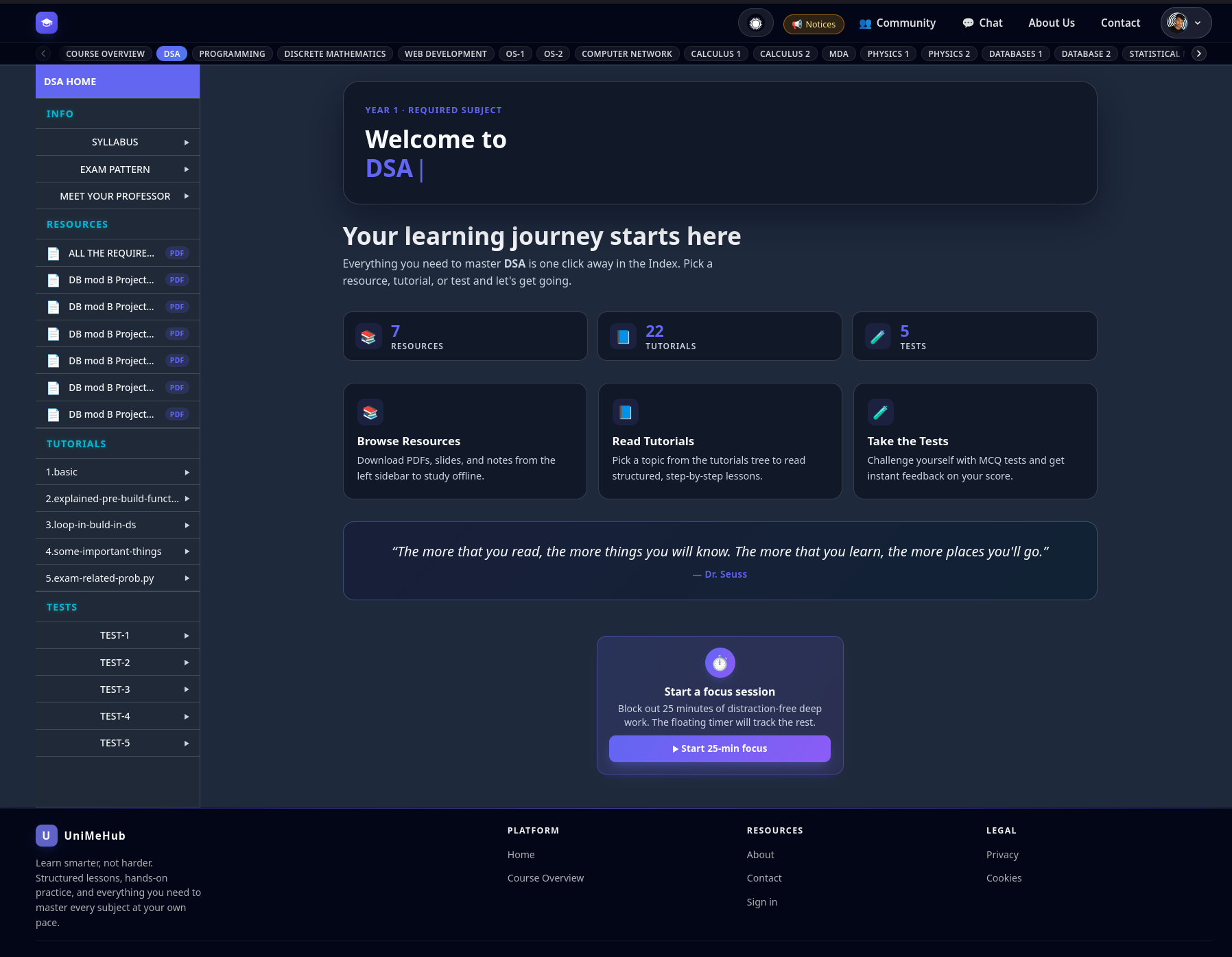

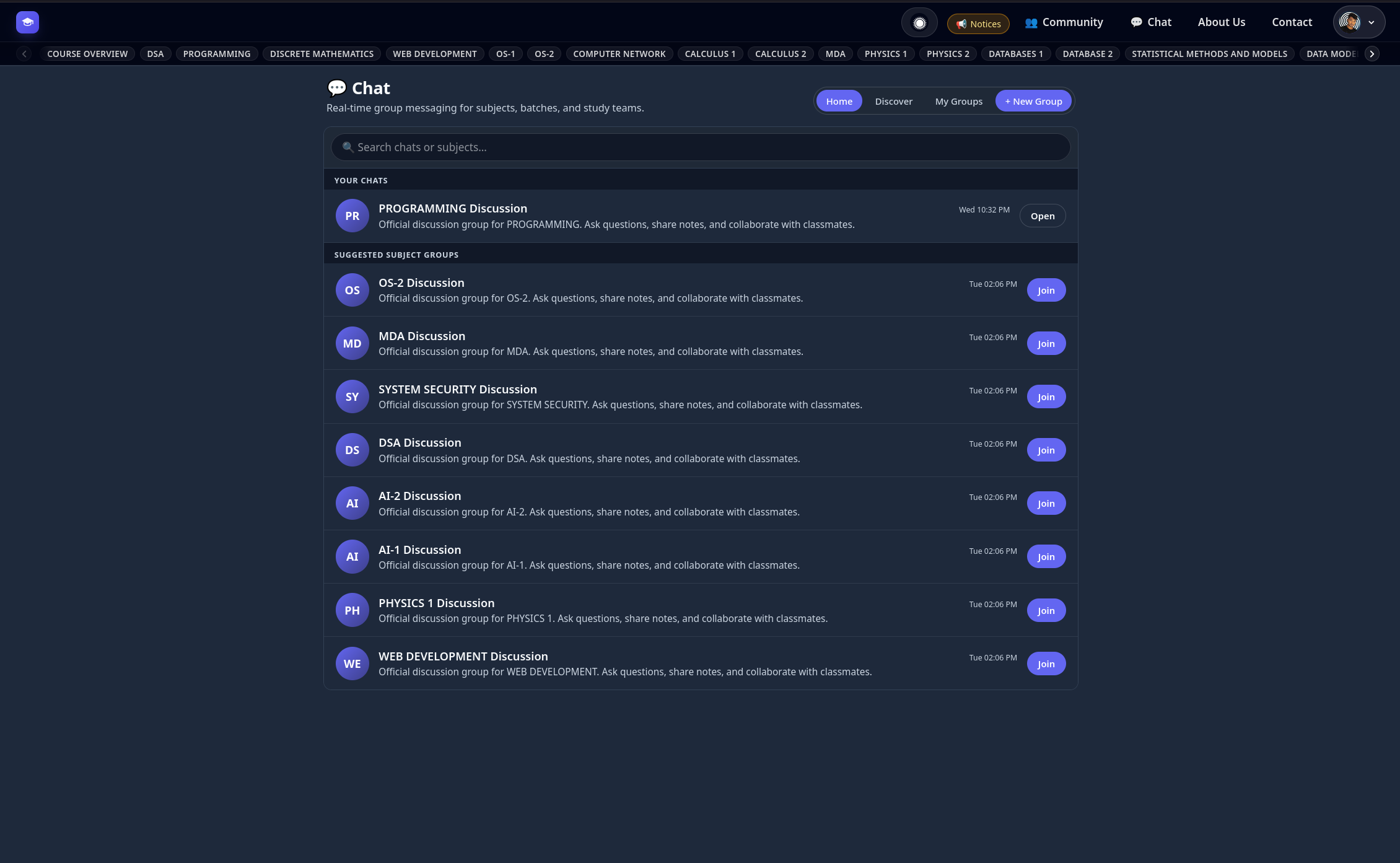

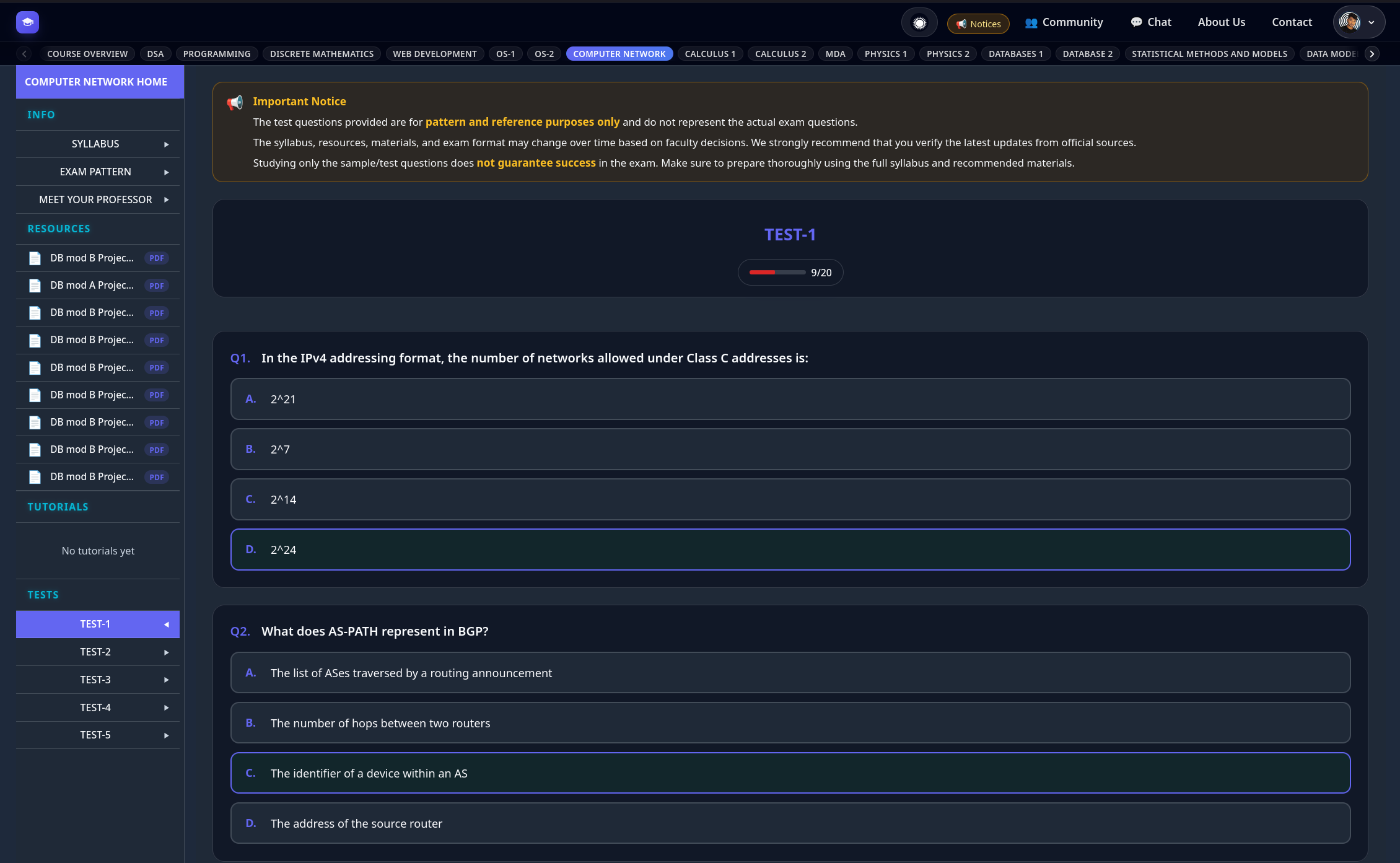
All in one place
All your subjects, tutorials, and resources in one place
Practice, instantly graded
Practice tests, MCQs, and instant feedback
Built-in focus timer
Built-in focus timer for deep work
Subjects
Pick any subject to dive into tutorials, resources, and practice tests.
How to browse the site
Six quick steps to get the most out of UniMeHub.
Pick a subject
Scroll to the Subjects section below or use the top navigation bar. Each card shows the year and whether it's required or optional.
Open tutorials or resources
Inside a subject, the left sidebar groups Tutorials, Resources, and Tests. Click any item to load it in the main view.
Practice with tests
Each subject includes TEST-1 through TEST-5 for MCQs and short answers. You'll see instant feedback as you go.
On mobile? Tap the open-book icon
On phones and small tablets, tap the 📖 open-book icon in the top bar to open subject navigation. Tutorials, Resources, and Tests live inside the slide-in panel.
Sign in to unlock everything
Tutorials, downloadable resources, practice tests, and the About/Contact pages require a free Google sign-in. Your progress stays with your account.
Stay focused
Use the floating focus timer (bottom-right) to run a 25-minute deep-work session while you study.
Tutorials, resources, tests, and the contact/about pages require a free account. Sign in with Google to unlock everything.
Ready to study smarter?
Join UniMeHub to unlock tutorials, downloadable resources, and practice tests. Free Google sign-in, no credit card.